

How Branching Works
- Edge-Level Rules: Each connection (edge) between nodes stores qualification rules. For SMS, rules can check reply text, intent classification, or whether the lead responded at all. For calls, edges can evaluate booking status, answered status, or custom conditions.
- Visual Editor: When you connect nodes, you pick which response bucket each edge represents (e.g., “Yes/Booked”, “No/Not Interested”, “No Reply”). The canvas labels make it clear where each outcome leads.
- Server-Side Enforcement: When the workflow runs, Avoca validates each customer against those edge rules before moving them forward. The runtime behavior mirrors what you design visually—no extra scripting required.
Example: YES → Booking, NO → Exit
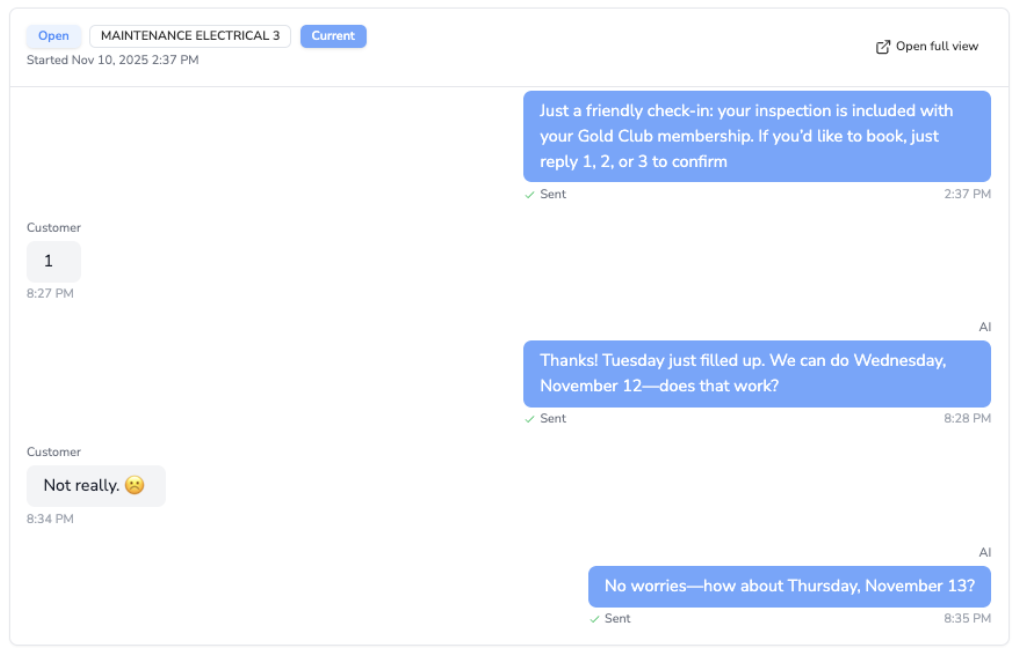
- Outbound SMS Step: Ask the customer if they’d like to book an appointment.
- Edge A (YES):
- Condition: Reply contains “YES”, “Y”, or matches a “booked/affirmative” status.
- Next Node: Booking task or call transfer node.
- Edge B (NO):
- Condition: Reply contains “NO”, “N”, or “not interested”.
- Action: End the sequence or tag the customer for re-engagement later.
- Edge C (No Reply):
- Condition: No response within X hours.
- Next Node: Reminder SMS or escalation call.
Tips
- Combine keyword checks with system statuses (e.g.,
booking_status = confirmed) for extra reliability. - Use default “fallback” edges so leads never get stuck if a response doesn’t match any specific rule.
- Test the workflow with sample replies in preview mode to confirm each branch fires as expected.